SEO Software Contract Red Flags to Avoid Before You Sign
Key takeaways
- Reject any clause guaranteeing a #1 ranking or fixed traffic, since no vendor controls Google's algorithm and the promise is unverifiable.
- Confirm the contract names you as owner of your domain, Search Console, Analytics, and Business Profile. The vendor should hold only removable access.
- Demand an export clause that names the format. It must let you pull your rankings, content, and history on demand, during and after the term.
- Check the fee schedule for charges on free Google tools, and cap any renewal price increase in writing before you sign.
- Require your written approval for destructive structural changes like page consolidations and redirects, which can sink traffic if done silently.
The red flags that hurt most are ranking guarantees and long lock-ins with vendor-only exits. Also watch for auto-renewal, uncapped fee hikes, and charges for free Google tools. Some clauses hand the vendor your data, your pages, or control of your accounts.
You are not comparing agencies here. You are deciding whether to trust software with your site, your search data, and the pages that already rank.
That shifts where the risk sits. The money clauses still matter, but so do the ones about who owns your accounts and what survives when the tool disconnects.
Below, each trap gets its own breakdown, plus the fair language to ask for in its place.
What an SEO Software Contract Actually Covers
An SEO software contract (often called a Master Service Agreement, or MSA) spells out what the tool or service can do. It also covers what you pay and what you keep. The MSA sets the overall rules, and order forms or schedules attach the specific price, term, and feature tier.
Pre-sign scorecard: answer yes or no
- ✓Notice window to cancel is 30 days or less
- ✓Cap on renewal price increases
- ✓You can terminate for cause, not just vendor
- ✓SLA gives a real remedy when uptime drops
- ✓Clause confirms you own your data and content
- ✓You can export data on exit in usable format
- ✓Tool needs approval before structural site changes
Most contracts you find by searching are written for hiring an agency. This one is different. You are evaluating software that touches your site, your Google Search Console data, and your published content.
That changes which pages matter. You still read the money and exit clauses. You also read the clauses about who controls your data and what happens to your pages when the tool disconnects.
The Four SaaS Clauses That Decide Your Risk
These four paragraphs appear in nearly every SaaS MSA. Read them before anything else.
- Auto-renewal and notice window. The contract renews itself unless you cancel inside a set window, sometimes 30 to 90 days before renewal. Miss it and you are locked in for another full term.
- Renewal price increases. Many contracts let the vendor raise the renewal price with no cap. You want a ceiling written in.
- Termination rights. Check whether only the vendor can end the deal early. A fair contract gives both sides a way out.
- SLA and uptime remedies. The Service Level Agreement promises a level of uptime. Read what you actually get when it fails, usually a small credit, not a refund.
For the price increase, paste a cap into the renewal clause. This is a hypothetical example only, assuming a 5% ceiling and an inflation index. It might read: "Any renewal fee increase shall not exceed the lesser of the stated percentage or the annual change in CPI."
CPI means the Consumer Price Index, a standard inflation measure.
Your Pre-Sign Checklist
Run through this before you sign anything. Each line is a yes-or-no you can answer from the document in front of you.
- Is the notice window to cancel 30 days or less, and clearly stated?
- Is there a cap on renewal price increases?
- Can you terminate for cause, not just the vendor?
- Does the SLA give a real remedy when uptime drops?
- Does a clause confirm you own your data and content? Look for language like "Customer retains all right, title, and interest in Customer Data."
- Can you export your data on exit, in a usable format?
- Does the tool need approval before structural changes to your site?
A "no" is not always a dealbreaker. It is a clause to renegotiate or strike. The sections ahead cover each trap in depth, including the SEO-specific ones like locked Search Console access and impressions-only reports.
Already Signed? Here Is Your Exit Path
Signing does not always mean stuck. You still have a few moves.
- Find your renewal date and mark the cancellation deadline now, before it passes.
- Pull your own data out while you still have access, including Search Console history and published pages.
- Read the termination-for-cause clause. A missed SLA or a breach may give you grounds to exit.
- Ask for a written amendment. Vendors often prefer a smaller plan over a public fight or a chargeback.
A good contract reads the same way. It should read your real Google Search Console data, keep you in control, and never apply destructive changes silently.
Why Vendors Build Lock-In and Auto-Renewal Into Contracts
Lock-in exists for one simple reason. SEO results take months to show, so vendors want you paying for all of them, whether or not the work holds up.
Automatic renewal is the quiet version of this. The contract renews itself for another full term unless you cancel inside a narrow window. That window is often 30 to 90 days before the current term ends.
Miss that window by a day, and you are locked in for another year. That is the trap, and it is written on purpose.
There are three mechanics that do most of the damage. Knowing their names helps you spot them in the fine print.
- Auto-renewal with a short cancel window. You must give notice early, and the vendor rarely reminds you the deadline is coming.
- Multi-year minimum terms. You commit to 24 or 36 months up front, with no early exit even if the tool underperforms.
- Termination fees. Leaving early triggers a penalty, sometimes the full remaining balance of the contract.
Vendors argue these clauses protect the investment they make early in your account. That is partly fair. SEO work front-loads heavily, and a one-month cancel would leave them unpaid.
The problem is the imbalance. You carry all the risk during the slow months, and the vendor carries almost none after you sign.
A fair version keeps the commitment but softens the exit. Look for a 12-month term that converts to month-to-month after year one. It should include a cancel notice of 30 days and renewal reminders sent in writing.
The deeper risk is pairing lock-in with lost access to your own data or published pages. That combination is what leaves you genuinely stuck.
Before you sign, pull out a highlighter and find every date and dollar figure in the renewal and termination clauses. If a clause is vague about when or how you leave, treat that as a red flag and ask for it rewritten.
What a Long Term With No Exit Really Costs You
SEO takes months to show movement. That lag is exactly what a long term with no exit clause weaponizes against you.
| Vendor's language | Fair rewrite | Dealbreaker? | |
|---|---|---|---|
| Term and exit | 24-month lock, no early termination | Exit for convenience, 30 days notice after month six | Yes if no exit path |
| Missed-results trigger | Silent on underperformance | Concrete metric, leave if target missed | Yes if silent |
| Early termination fee | Full remaining balance | Capped at one or two months | Yes if full balance |
Suppose you sign a two-year deal with no way out before month 24. By month six, rankings are flat and the content reads like filler. You still owe 18 months of payments for a tool that is not working.
The cost is not only the money. It is the opportunity you lose by being unable to move budget to something that actually ranks.
Here is the quiet trap. SEO results depend on indexing, the process where Google adds your pages to its searchable list. Indexing and ranking are slow by nature, so a long term feels reasonable at signing.
Vendors know the timeline. A 24-month lock means you discover the tool underperforms long after the exit window has closed.
The fix is a performance-based exit. That is a clause letting you leave early if agreed results never arrive, usually with written notice after a set review period.
Before and After: Three Clauses Rewritten Fairly
Here is what a few common clauses look like as written, and how a fair version reads instead.
Term and exit. The bad version locks you in for 24 months with no early termination. A fair version keeps the term but adds a right to exit for convenience with 30 days notice after month six.
Missed-results trigger. Many contracts stay silent on what happens if nothing improves. A fair version names a concrete metric, such as indexed pages or organic sessions tied to Google Search Console.
It lets you leave if the vendor misses an agreed target by a defined date.
Early termination fee. A harsh version charges the full remaining balance if you leave. A fair version caps the fee at one or two months of service, so an underperforming vendor cannot hold your budget hostage.
Put these side by side in a short clause table before you sign. One column for the vendor's language, one for your rewrite, one for whether it is a dealbreaker.
Mark any clause with no exit path at all as a strike-first item. If the vendor will not add a results-based or convenience exit, you are being asked to pay for faith, not performance.
Who Owns Your Domain, Search Console, and Analytics?
The contract in front of you should say, in plain words, that you keep title to your website and domain. If it does not, strike that gap first.
This is the quiet trap. A vendor sets up your site, your tracking, and your Google accounts, then the paperwork stays silent on who actually owns them.
Four assets matter most here. Walk through each one and find its name in the contract.
- Your domain. The registration should sit in your account, under your billing, with you as the registrant. A domain held in the vendor's name is leverage against you at renewal.
- Google Search Console. This is where your real search data lives. You want owner-level access under your own Google login, not a seat the vendor can revoke.
- Google Analytics. Same rule. The property should belong to your account, with the vendor added as a user you can remove.
- Google Business Profile. For local businesses, this is your reviews and map listing. Make sure you hold the primary owner role.
The pattern to watch for is simple. A vendor creates these accounts inside their own login, then grants you limited access as a courtesy. That courtesy ends when the relationship does.
A fair version reads like this. You are the account owner of the domain, Search Console, Analytics, and Business Profile. The vendor gets delegated access that you control, and that access can be removed at any time without penalty.
Direct access matters more than it sounds. Owner-level access means you can add or remove any collaborator, including the vendor, on your own. Delegated or shared access means someone else can lock you out.
Ask one blunt question before signing: if we part ways tomorrow, do I still log in under my own account? If the answer involves a request, a transfer fee, or a waiting period, the ownership is not really yours.
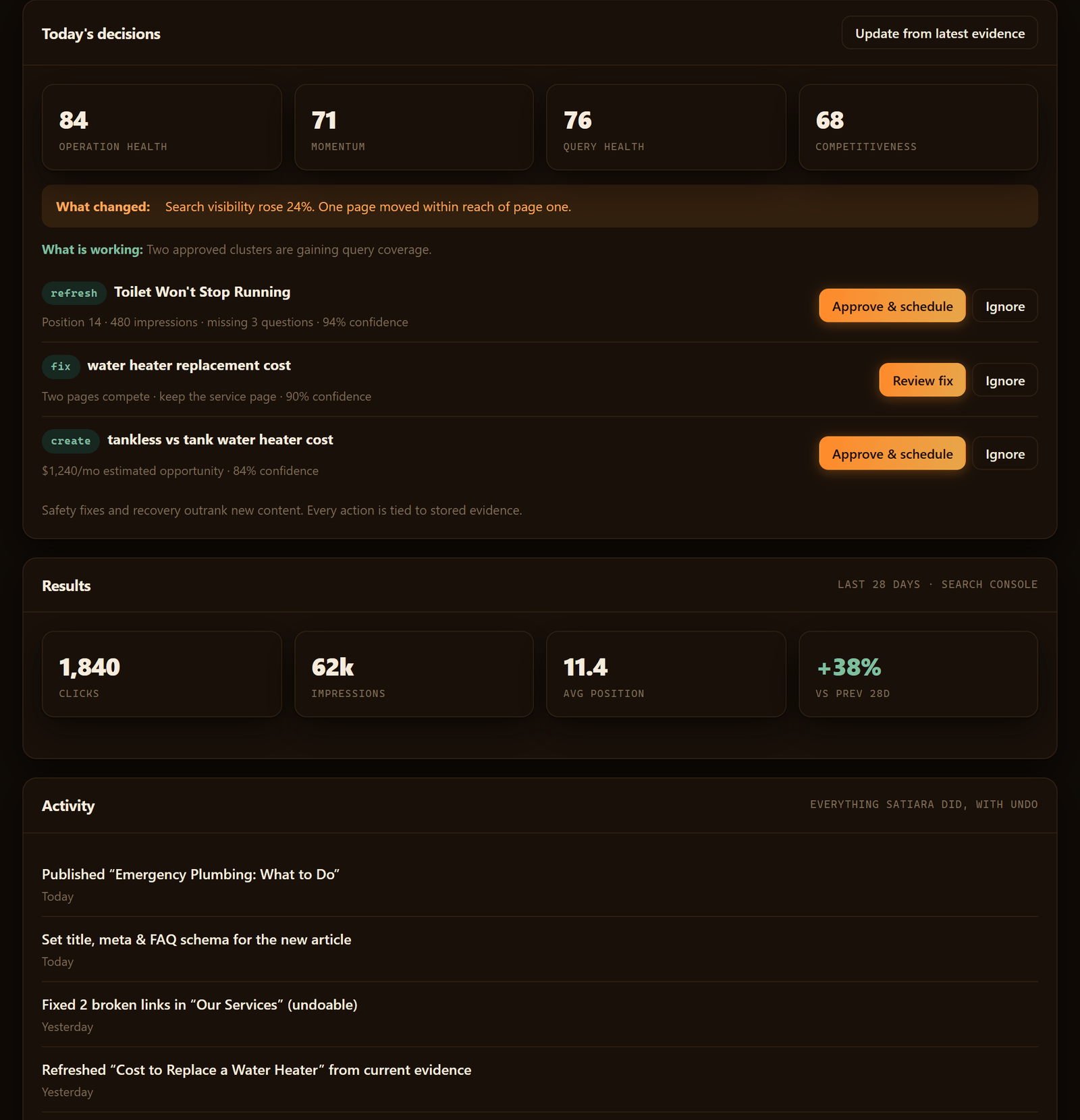
Software that works properly reads your Search Console data without taking the keys. A connection to your own account is different from a vendor holding the account, and the contract should make that line clear.
Run this short check on the agreement:
- Does it name you as the registrant and owner of the domain?
- Does it confirm you hold owner access to Search Console and Analytics?
- Does it list the Business Profile as yours?
- Does it describe the vendor's access as delegated and removable?
Any "no" on that list is a clause to renegotiate before you sign. You should never have to buy back access to accounts that track your own traffic.
Why Losing Your Own Data Leaves You Stranded
Your SEO data is not a report. It is the record of what Google thinks of your site over time.
How Losing SEO Data Strands You
When a contract routes your Search Console history, your keyword rankings. And your traffic trends through the vendor's dashboard, that record lives on their servers. Cancel, and the picture goes dark the day access ends.
That is the quiet trap. You can lose the accounts, which the last section covered. But you can also keep the accounts and still lose the history.
Here is why the history matters so much. SEO moves slowly, so the useful signal is the trend across months, not a single snapshot.
A vendor that holds twelve months of impressions, clicks, and position data holds your proof of what worked. Without it, the next tool or person you hire starts from zero and has to rebuild the baseline.
Watch for three specific moves in the fine print:
- Data stored only in their system. If your rankings and content performance live in the vendor's cloud with no export, you own a login, not your data.
- No export clause. A fair contract names the format you get on exit, like CSV files or a full account handoff. It also names the window to request it.
- Derived data kept as theirs. Some agreements say the vendor owns the analysis built from your traffic, even though your site generated it.
Published content is the second half of the stranding problem. Articles and pages the tool wrote and posted carry your domain's SEO value. So losing a clean copy of them is a real loss.
The fair version is plain to ask for. Your raw Search Console and Analytics data stays readable in your own Google accounts, and the vendor only reads it.
You should be able to export your rankings, content list, and performance history on demand, during the contract and at the end. A good tool connects to your real accounts and leaves the data there, rather than copying it behind a wall. That keeps you from ever being held hostage by your own numbers.
Run this check before you sign. Ask the vendor: if I leave tomorrow, what do I walk away with, and in what format?
Silence or a vague answer is the red flag. A clear answer, written into the contract, is the version worth your signature.
What Happens to Your Content If You Cancel or Disconnect
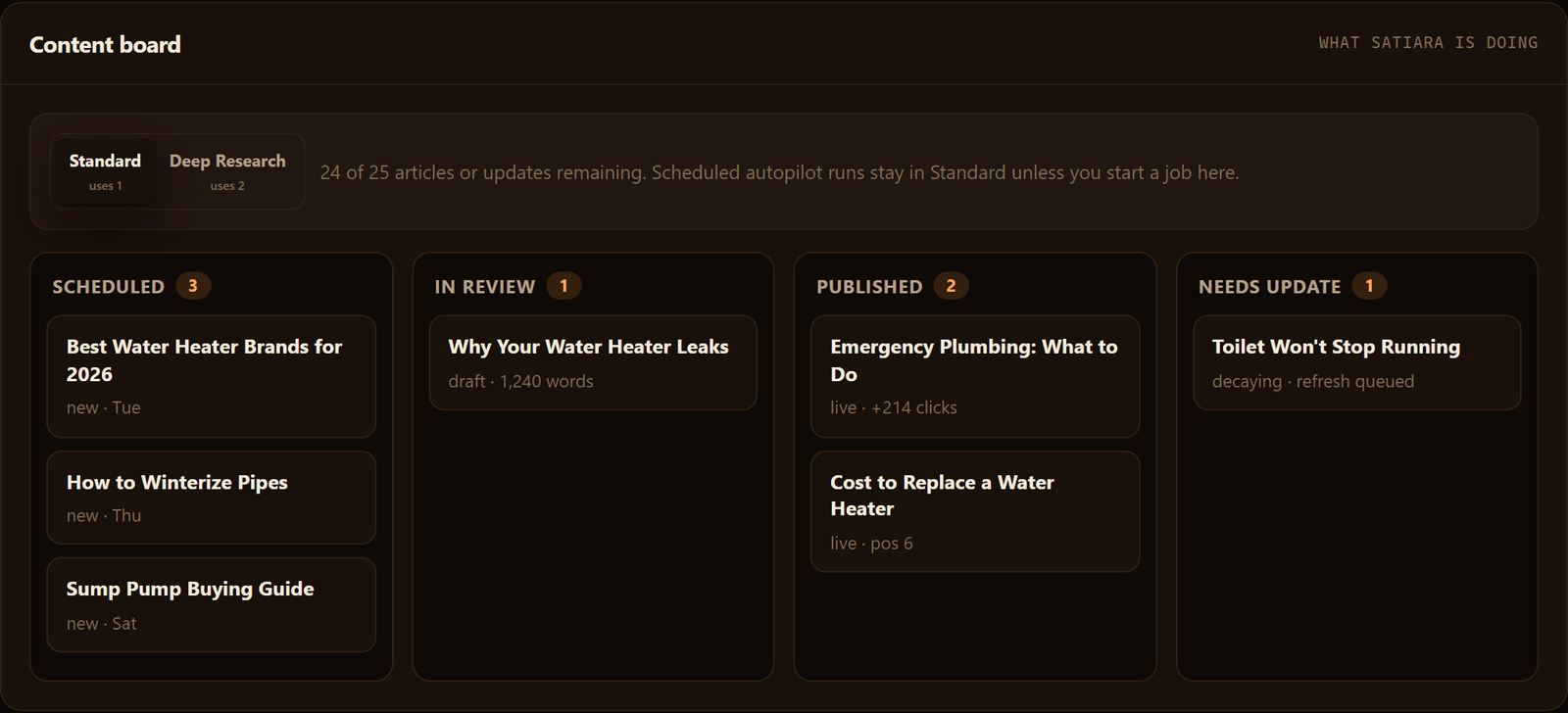
Your articles and pages are assets. The contract decides whether they stay yours when the tool is gone.
Here is the question that matters most. If you cancel tomorrow, do the pages the tool published stay live on your site, or do they vanish?
There are three common setups. Each one leaves you in a different spot.
| Setup | Where content lives | What you keep after cancellation |
|---|---|---|
| Published to your CMS | Your own WordPress, Webflow, or similar | Everything. The pages are already on your server. |
| Hosted subdomain or iframe | The vendor's infrastructure | Nothing, unless you export first. Pages go dark when access ends. |
| Proprietary page builder | Vendor system, served to your domain | Depends entirely on the export clause. Often just raw text, no formatting. |
The hosted subdomain trap is the quiet one. Your content ranks, traffic flows, then you cancel and the URLs return 404 errors.
Google drops dead pages from the index. Months of ranking disappear with them.
The Export Clause Is the One to Read Twice
A fair contract says your published content is written to your own CMS and stays there, no matter what. You own the words and the live URLs.
Watch for softer language. "You may request an export" is not the same as "your content remains on your site."
A request can be slow, incomplete, or delivered as a messy file. A live page on your domain needs no request at all.
Check what format you actually get back. Plain text with no headings, no internal links, and no meta descriptions means you are rebuilding each page by hand.
Internal Links and Structure Break Too
Pages rarely stand alone. The tool likely connected them through internal links that pass ranking signals between related articles.
If those links point to vanished pages, your site fills with broken paths. The pages that survive lose the support those links gave them.
Ask the vendor directly how structural changes behave on exit. The safe answer: all changes were made inside your own site, so nothing reverses when you leave.
A tool worth keeping writes to your platform and leaves you whole. Your content, live on your domain, in a format you can edit, no permission needed. Strike any clause that puts your published pages behind the vendor's login.
Why a Guaranteed #1 Ranking Is a Promise No One Can Keep
No vendor controls Google's algorithm. Search ranking depends on dozens of factors, and the time it takes to rank varies wildly, according to Semrush.
So any contract that guarantees a #1 spot or a fixed traffic number is selling you certainty that doesn't exist. Strike the clause, or walk.
If the promise sounds airtight, ask how they'd measure a breach. Most guarantees are worded so you can never actually collect.
Reports That Count Impressions, Not Revenue
A report full of impressions and keyword positions can look great while your sales stay flat. Vanity metrics hide whether SEO actually brings in money.
Impressions mean people saw your link. That's it. They don't tell you who clicked, called, or bought.
A fair reporting clause ties back to things you can bank: leads, demo requests, signups, calls, revenue. Ask for those by name in the contract.
Rankings and impressions are fine as leading indicators. They are a problem when they're the only thing the vendor agrees to report.
Are You Being Billed for Free Google Tools?
Google Search Console and Google Analytics are free. Google Business Profile is free too.
Some contracts bury "reporting and analytics access" as a line item, then charge you for data Google already gives away. Read the fee schedule closely.
Paying a vendor to connect and interpret that data is reasonable. Paying for the data itself is not. Make the distinction explicit before you sign.
Vague Methods and Fake "Partner" Badges
"Proprietary tactics" and "secret methods" usually mean the vendor won't show you what they do to your site. That's a risk you absorb, not them.
A "Google Partner" badge covers Google Ads, not organic SEO. No such thing as a Google ranking partnership exists.
Ask for named tactics and recent case studies you can verify. Always check reviews and past work, as digitalupward.ae advises, before you trust a claim.
Link packages are another soft spot. Buying bulk backlinks violates Google's guidelines and can get your site penalized. So a contract that promises "X links per month" deserves hard questions.
Destructive Structural Changes Should Never Be Silent
Consolidating pages, adding redirects, or rewriting your site structure can tank traffic if done wrong. These are destructive changes, and they should never happen without your sign-off.
With automation tools, confirm the software uses a review-first mode for anything structural. A tool worth keeping proposes the change and waits for your yes.
Pin down who owns AI-generated content and whether you can recover work if the CMS connection drops. A fuller breakdown of control trade-offs lives in Satiara's automation-and-control guide.
Clauses to Negotiate or Strike Before Signing
| Red-flag language | Why it's bad | Fair version to ask for |
|---|---|---|
| "Guaranteed #1 ranking" or "guaranteed X visits" | No one controls Google's algorithm, so the promise is unverifiable | Targets framed as goals, with reporting on progress and no false guarantee |
| "Reporting on rankings and impressions" | Vanity metrics hide whether SEO drives leads or revenue | Reporting tied to leads, calls, signups, and revenue |
| "Analytics access fee" or bundled tool charges | You may be billed for free Google Search Console and Analytics | Clear line showing you pay for connection and interpretation, not the free data |
| "Proprietary methods" with no detail | You can't see or verify what's done to your site | Named tactics, verifiable case studies, documented changes |
| "X backlinks per month" package | Bulk link buying risks a Google penalty you pay for | Editorial links earned, or the clause struck entirely |
| Silent structural changes permitted | Consolidations and redirects can crater traffic without warning | Your written approval required for any destructive change |
| Vendor owns AI-generated content | You lose rights to work made for your own domain | You own all content and keep it on cancellation |
Compare these terms against your alternatives honestly. A spreadsheet plus a hired strategist gives you full control but takes your time.
A tool that reads your real Search Console data keeps you on goals and voice. It never applies destructive changes quietly, and it can match that control. Price the break-even against both before you decide.
Read the Clauses Before You Read the Pitch
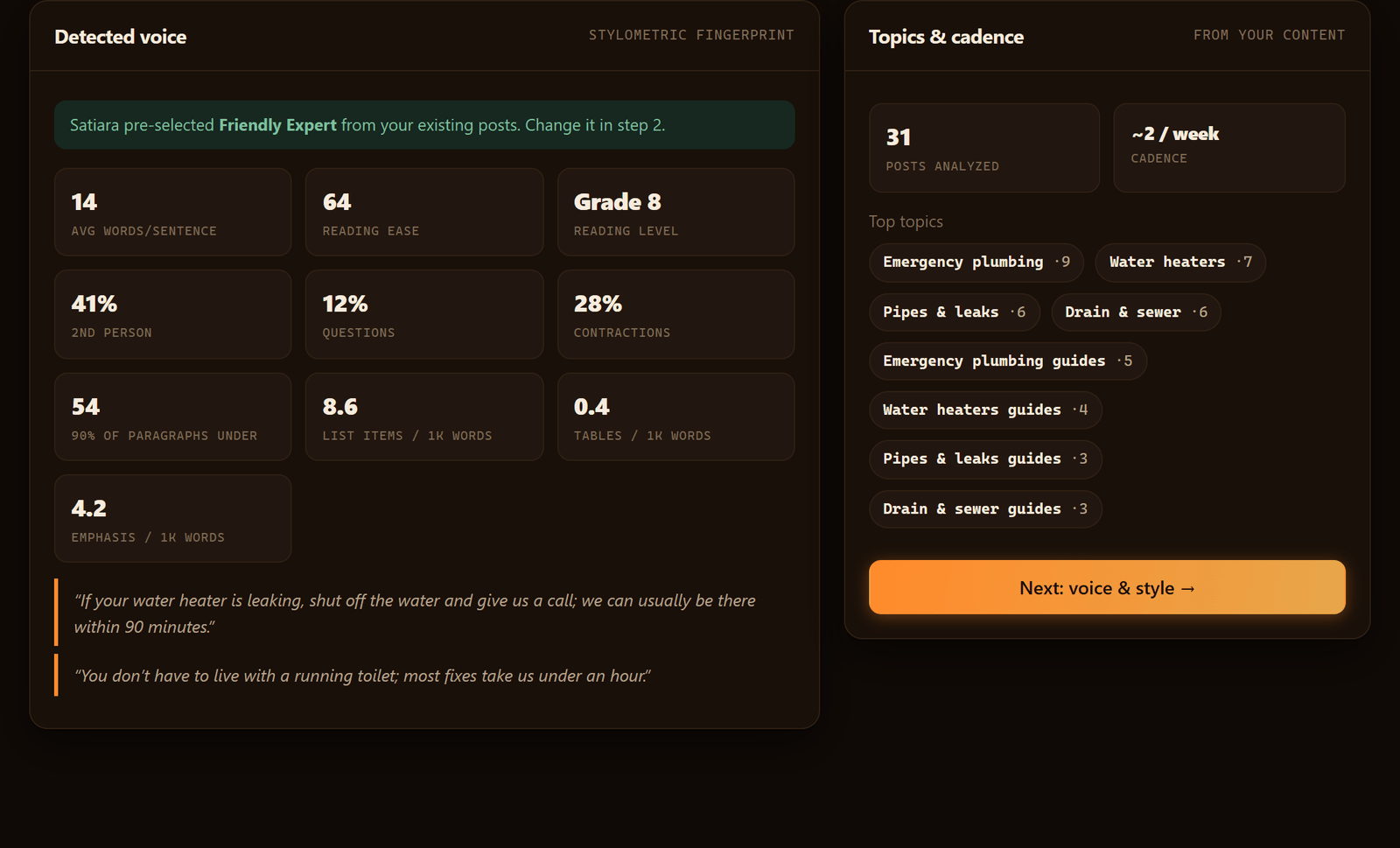
A contract tells you more than any sales call. The money clauses, the exit path, and the lines about who owns your data and pages decide how much risk you carry.
You can now read an SEO software agreement and know which clauses to keep. You also know which to rewrite and which to strike before you sign. A vendor who refuses fair exit and ownership terms is telling you something worth hearing.
Pick the tool that reads your own accounts. It should keep you in control of your content and leave you whole on the way out.
Frequently asked questions
Does the contract cap how much the renewal price can rise?
Yes, a fair contract puts a ceiling on renewal increases in writing. Look for language tying any rise to a stated percentage or an inflation index. Without a cap, the vendor can raise the price freely at renewal.
How do I verify an SEO vendor before I sign anything?
Verify case studies, customer reviews, and past work before signing, as digitalupward.ae advises for picking a good SEO company. Ask for references you can actually contact. Confirm the contract names you as owner of your domain, Search Console, and Analytics.
What counts as valid grounds to terminate for cause?
A missed service level agreement or a breach of contract usually gives you grounds. Read the termination-for-cause clause closely before you sign. Confirm both sides can exit, not just the vendor.
Will an AI SEO tool publish or change my site without my approval?
Only if the contract allows it, so require your written approval for destructive structural changes like page consolidations and redirects. Done silently, these can sink traffic. Look for a tool offering a choice of review-first or auto-publish mode, so you decide what goes live and when.
What format should my SEO data export be in when I leave?
Your contract should name the export format, such as CSV files or a full account handoff, plus the window to request it. You should be able to pull rankings, content list, and performance history on demand, during and after the term. No named format means you own a login, not your data.
About Satiara
Satiara is an AI-driven SEO automation for a startup or SaaS founder. This article was written by the Satiara team. More about Satiara.