All-in-One SEO Tools vs Point Solutions: Which to Pick
Key takeaways
- Choose an all-in-one platform when you want one login for research, writing, and tracking and your pain is tool-switching, not depth.
- Keep a point solution only when it does deep work nothing else matches and you open it often.
- Add every subscription, then add per-seat fees as your team grows, before you call a stack cheaper.
- Count the handoffs on one keyword from research to published page; those unpaid minutes usually dwarf the sticker price.
- Before you commit to any platform, check what you can export so a future switch does not strand your keywords and history.
Choose an all-in-one SEO tool if your pain is switching between tools and you want research, writing, and tracking in one login. Keep a point solution only when it does deep work nothing else matches and you use it often. Before deciding, add up every subscription and seat fee, plus the hours spent moving data between tools.
You are probably running a keyword tool, a writing tool, and a rank tracker that all refuse to talk to each other. A spreadsheet holds them together. You are the one moving data between them.
That setup works until the pieces need to agree. Then the copying, the reformatting, and the forgotten steps start eating your week.
The choice below sorts out which model fits your team, your budget, and the way work moves from idea to published page.
All-in-One SEO Tools vs Point Solutions: The Short Answer
Pick an all-in-one platform if you have a small team and want research, writing, and tracking in one login. Choose point solutions if a specialist needs deep control in one area and doesn't mind stitching the pieces together. If you have no in-house SEO expert and want the work to run itself, look at an SEO operating system.
Look at a category most comparisons skip: an SEO operating system.
That third option matters because consolidation alone doesn't do the work. Here's how the two familiar choices stack up.
| What to check | All-in-one SEO tool | Point solution |
|---|---|---|
| What it's for | Covering the full SEO surface in one place: research, on-page, tracking, sometimes writing | Doing one job very well, like rank tracking or keyword research |
| Who it suits | Lean teams that value one login over depth in any single area | A specialist who lives inside one task and wants the best tool for it |
| What it does itself | Surfaces keywords, audits pages, and reports positions across your site | Its single function, deeply, with more settings than a generalist offers |
| What it leaves to you | Deciding what to act on and doing the actual writing and publishing | Everything outside its lane, plus moving data between tools |
| Price | Alli AI Business runs $299/month, or $249/month billed annually | AuthorityLabs PLUS runs $65/month |
| One honest limit | Depth in any one feature rarely matches a dedicated tool | You become the integration layer, copying between apps by hand |
What Is an All-in-One SEO Tool Versus a Point Solution?
A point solution does one job and does it deeply. It picks a single slice of SEO and goes as far as that slice allows.
Screaming Frog is a good example. It crawls your site to surface broken links, redirect chains, and missing meta tags.
A rank tracker like AuthorityLabs sits in the same camp. It watches where your pages land in the SERP over time, and that is the full scope of the job.
Keyword tools follow the same pattern. They hand you search volume, difficulty scores, and content gaps, then stop at the edge of research.
You buy a point solution when you want the best available tool for one task. You accept that it will not touch the tasks on either side of it.
An all-in-one SEO tool bundles many of those slices under a single login. Its free SEO plugin comes with a 14-day money-back guarantee, and one dashboard covers research, auditing, tracking, and often content ideas.
Semrush and seoClarity fit here. They pull keyword data, site audits, competitor analysis, and rank tracking into one platform so you switch tabs instead of tools.
AIOSEO takes a narrower version of the same idea inside WordPress. It handles on-page settings, schema, and sitemaps from your site's own dashboard.
The trade is roughly this. A point solution gives you depth in one area, and an all-in-one gives you coverage across many.
Coverage does not always mean the deepest tool for each job. An all-in-one keyword module may trail a dedicated keyword tool, and its audit may trail a dedicated crawler.
Both categories still share one limit worth naming plainly. They hand you data and recommendations, then leave the actual doing to you.
You read the audit, you decide what to fix, and you go make the change. The tool watches, but it does not run the work.
That gap between analysis and execution is the seam the rest of this article keeps returning to. Hold onto it.
What Stack Do Lean Teams Actually End Up With?
The stack rarely gets planned. It grows one panic at a time.
You start with a keyword tool because you need to know what to write about. Then you add a writing tool to draft faster, and a rank tracker follows once you want proof anything worked. A spreadsheet holds it all together because nothing else does.
That is the four-piece stack most lean teams land on. It works until the pieces need to agree on something.
The break happens at the handoffs. Your keyword tool suggests a topic, but your writing tool has no idea which pages already cover it. Your rank tracker watches positions but cannot tell your content tool to refresh a slipped page, so you become the connective tissue.
The deeper problem is a tradeoff. Point solutions go deep on one job, while all-in-ones go broad across many. Neither one runs the work end to end.
A dedicated rank tracker like AuthorityLabs digs into daily position data at a depth a bundled tracker usually skips. An all-in-one covers keyword research, on-page checks, and tracking in one login, but each feature tends to be serviceable rather than deep. You trade sharpness for one bill and one dashboard.
Where all-in-ones fall short is the same seam every time. They report and analyze. They still hand the actual change back to you.
So which model fits you? Start with three questions: how big is your team, how much can you spend, and who does the execution.
- Team size. Solo means fewer handoffs to manage but no specialist to interpret the data.
- Budget. Per-seat fees decide whether best-of-breed is even affordable at scale.
- Workflow. Ask who moves work from research to published page. If the answer is "me, by hand," that is your real bottleneck.
Here is how those answers usually map to a model.
| Who you are | Best fit | Why |
|---|---|---|
| Solo founder or one-person marketing | All-in-one, or a tool that runs the workflow | You cannot afford the time to stitch four tools together. Fewer logins beats deeper features. |
| Lean SaaS team (2 to 5 marketers) | All-in-one for coverage, plus one point solution where depth matters | You have some hands for execution but not enough to babysit a big stack. |
| Enterprise with an SEO specialist | Best-of-breed point solutions | You have the budget and the person to run each tool at full depth. |
Notice what the table assumes. Every path still needs a human to carry work from insight to published change.
That is the third category most comparisons skip. Not a wider dashboard, but a system that runs research, writing, internal linking, and tracking as one continuous workflow. Satiara sits in that lane, closing the execution gap rather than just reporting on it.
Which model you pick comes down to a plain question. Do you want better analysis, or do you want the work actually done?
What Disconnected Tools Actually Cost You in Time
The subscription line item is easy to see. The time cost is not, and it usually dwarfs the money.
Six handoffs per page, all overhead
- 1Keyword into spreadsheet
- 2Top URLs into brief doc
- 3Draft, then move to CMS
- 4Rebuild headings and links
- 5Add URL to rank tracker
- 6Check three dashboards weeks later
Every tool that doesn't talk to the next one creates a handoff. A handoff is any moment where you move data by hand from one place to another. Each one is a chance to lose work, break formatting, or forget a step.
Follow a single keyword from idea to published page and count the stops.
- You pull a keyword from your research tool and paste it into a spreadsheet.
- You copy the top-ranking URLs into a doc so your writer has a brief.
- You draft in a writing tool, then move the text into your CMS.
- You rebuild headings and links because the paste stripped the structure.
- You add the URL to your rank tracker so it starts watching the page.
- Weeks later, you check three dashboards to see if any of it worked.
None of those steps grows your traffic. They just move information around. That is pure overhead, and it repeats for every page you publish.
The real drain is switching cost. Each time you jump between tools, your attention resets and you spend a minute reloading context. Do that dozens of times a week and the minutes stack into hours.
Then there is the rework tax. A brief lives in one tool, the draft in another, and the tracking in a third. When your strategy shifts, you update each copy separately, or you forget one and work off stale numbers.
Lost work hides in the seams too. A draft sits in a doc no one opens again, and a keyword you researched never gets assigned. Nothing failed loudly, but the page never shipped.
The quieter cost is the work you skip, and internal linking is the clearest example. Connecting a new page to related old ones takes real effort when your content lives in four systems. So most lean teams just don't do it.
Same story with content refresh. Updating older pages that are slipping in the SERP means hunting them down across tools, so they rot instead.
Add it up and the true cost isn't the hours you spend. It's the pages that never get published and the fixes that never get made because the friction wore you down first.
How Consolidation Cuts the Handoffs Between Research, Writing, and Tracking
When your keyword research, writing, and rank tracking live in separate apps, each step starts cold. Every handoff is a chance to lose context, drop a keyword, or forget why you picked a topic.
The writing tool doesn't know which keyword you targeted. The rank tracker doesn't know which page you just published.
Consolidating puts that shared context in one place. The keyword you chose flows into the brief. The published page flows into tracking without you touching a spreadsheet.
Where the Handoffs Actually Disappear
Consolidation removes the copy-paste steps between stages. Here's what stops being your job on a single platform.
- The target keyword and its search intent carry into the draft automatically, so you're not retyping it.
- Internal linking suggests related pages from your own site, because the platform already knows your site structure.
- Content gaps found during research become the queue of pages to write, not a list you rebuild later.
- Published pages enter rank tracking on their own, so nothing waits on you to add a URL.
The gain isn't just saved minutes. It's that decisions made early stay attached to the work all the way through.
The Control Question You'll Ask Before You Commit
Most buyers hesitate at the same worry. If one platform runs the whole workflow, does it start publishing things you never approved?
That's a fair fear. Consolidation only helps if it removes busywork, not judgment.
The distinction that matters is where the tool acts versus where it waits for you. Good platforms let you set that line yourself, per stage.
You might let research and drafting run on their own, then hold every publish for review. Or you might trust auto-publish for low-risk refreshes and gate only new pages.
Automation Without Losing the Steering Wheel
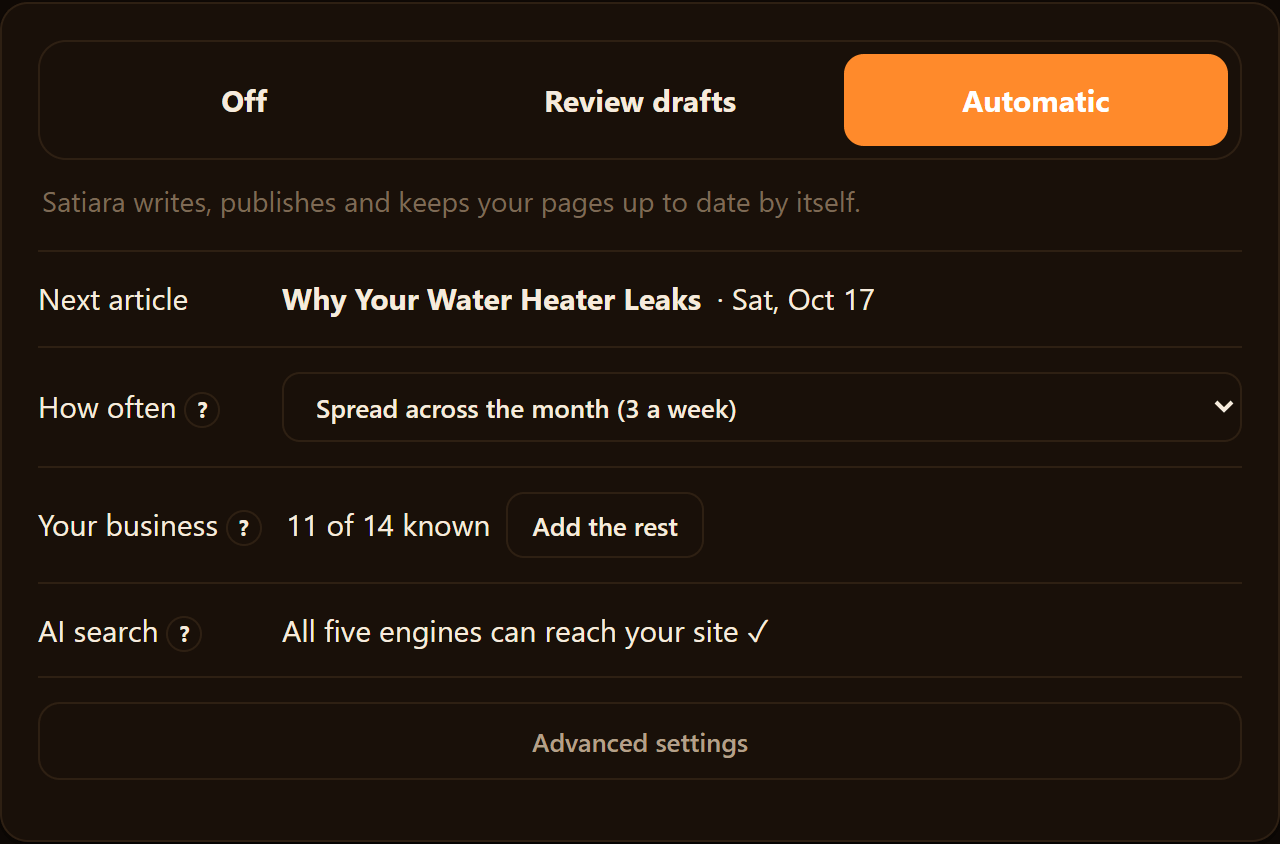
The weak spot in many all-in-one pitches is that they blur this control line. They automate everything or nothing, and that scares off anyone who cares about brand voice or site safety.
A better setup keeps two things firmly yours. You approve the strategy, meaning the clusters and keywords. You choose the publishing mode, review-first or automatic.
Structural changes to your site deserve special caution. Destructive edits should never apply silently, whatever mode you pick.
Automation should handle the repetitive stages while you keep the goals, the voice, and the final say on what goes live. That's the version of consolidation worth paying for.
How Do the Real Costs of SEO Tools Compare?
Sticker price is the number you notice first. Total cost of ownership is the one that actually hits your budget.
Point solutions charge per tool. You pay for a keyword tool, a rank tracker, a writing tool, and often a technical crawler, each on its own plan.
Rank tracking is a good example. AuthorityLabs, a dedicated rank tracker, runs from $65/month on its PLUS plan up to $585/month on ENTERPRISE, as of September 2026.
That is one job in your stack. Add a keyword tool and a writing tool on top, and the monthly total climbs before you have published anything.
Many point solutions also bill per seat. A second marketer or a freelance writer usually means a second license, or a jump to a higher tier.
All-in-one platforms fold several jobs into one subscription. Alli AI, for instance, prices its Business plan at $249/month billed annually, or $299/month otherwise. Agency runs $499/month annually and $599/month monthly.
One bill instead of four looks cleaner. Whether it is cheaper depends on how many of those bundled features you actually use.
The costs a price page never lists are the ones you should weigh hardest. Three of them show up in the real world.
- Learning time. Every tool has its own quirks, and a lean team pays for that in hours, not dollars.
- Handoff time. Moving work between tools is unpaid labor that repeats on every article.
- Redundant coverage. Two tools with an overlapping keyword feature means you pay for the same job twice.
Run a rough comparison for your own situation. Add every current subscription, then add the seat fees you would pay as the team grows.
Suppose you run four point tools that average $80 each per month. That is $320 monthly for the tools alone, before any per-seat charges.
Now weigh that against a single platform's price and ask what it replaces. If it covers three of those four jobs, the honest comparison is against roughly $240 of your current spend. It is not the full $320.
Total cost of ownership is subscriptions, plus seats, plus the hours your team spends stitching it all together. A cheaper stack that eats a day a week is not cheaper.
The lowest number wins only when the tools do the same work. Price the outcome you want, then see which model gets you there with fewer moving parts.
Where Point Solutions Still Win
Consolidation is not always the right call. Sometimes a single-purpose tool does one job so well that swapping it for a bundled feature would cost you accuracy or depth.
| Model | What you pay | Who does the work |
|---|---|---|
| Point-tool stack | Several subscriptions plus your hours | You handle every handoff |
| Rank tracker (point) | AuthorityLabs PRO, $129/month | Tracks; you act on it |
| All-in-one platform | Alli AI Business, from $249/month | You still drive the workflow |
| SEO operating system | One subscription | Runs research to publish, you approve |
Screaming Frog is the classic example. Its crawler goes deep on technical audits, deeper than a general platform's crawl usually reaches.
A general platform's crawl rarely matches that.
The same holds for niche keyword databases or a rank tracker your reporting already depends on. Point solutions in SEO remain widely used even as vendors race to bundle more features, the most recent Forrester report notes.
So keep a point tool when it clears one bar: it does something the all-in-one genuinely cannot. And you use that thing often. A specialist crawler you run monthly earns its seat.
A second keyword tool you open twice a year does not.
The Real Risks: Lock-In and Migration
Any platform switch carries three risks worth naming plainly.
- Lock-in. Once your keywords, briefs, and history live in one system, leaving means exporting and rebuilding. Check what you can export before you commit.
- Migration pain. Moving projects takes time and attention. Budget a few hours, not a few minutes.
- Losing existing work. Rankings tied to a tracker or content in a writing tool can strand if the export is thin.
A safe migration means one thing: no destructive structural changes to your site without your sign-off. A platform that silently rewrites URLs or internal links can undo months of ranking work in an afternoon.
Look for a tool that reads your setup, proposes changes, and waits. A review-first mode lets you approve each structural move before it ships.
The Third Category Most Comparisons Skip
The usual debate stops at two options. There is a third: an SEO operating system that runs the workflow instead of just reporting on it.
A bundle under one login still hands you tabs. You research, then write, then track, doing each handoff yourself. The data may share an account, but you are still the glue.
An SEO OS connects the data and does the work. It reads your Google Search Console data, finds winnable opportunities, builds a plan, and improves old pages. It also creates new ones and handles internal linking as one continuous flow.
Here writing is one step, not the whole product. That is the difference between a tool that analyzes and a system that executes.
Does Automation Mean Losing Control?
No, if the system is built to keep you in charge. Automation should replace repetitive labor, not your judgment.
The work normally splits across a strategist, a writer, an editor, and a stack of tools. An SEO OS can cover that workflow, so you do not need to be an SEO specialist to run it.
You still set the goals, the topic clusters, the brand voice, and the access level. You choose auto-publish or review-first mode. Satiara, for one, applies no destructive structural change silently and cites real sources in every article rather than a made-up study.
A Side-by-Side Cost Example
Suppose you run a four-tool stack: a keyword tool, a writing tool, a rank tracker, and a crawler. Add your own hours stitching them together. Real numbers vary, so treat the platform rows as anchors.
AuthorityLabs prices its PRO rank-tracking plan at $129/month.
| Model | What you pay | Who does the work |
|---|---|---|
| Point-tool stack | Several subscriptions plus your hours | You handle every handoff |
| Rank tracker (point) | AuthorityLabs PRO, $129/month | Tracks; you act on it |
| All-in-one platform | Alli AI Business, from $249/month annually | You still drive the workflow |
| SEO operating system | One subscription | Runs research to publish, you approve |
The stack often looks cheaper on paper until you price your own time as a line item. A rank tracker reports and a crawler audits. Neither writes or publishes for you.
How to Decide on Your Own Stack
Start with an honest audit. List every SEO tool you pay for, what job it does, and how often you actually open it.
Ask three questions of each one. Does something else already do this? Would losing it hurt your rankings, or create a manual handoff to another tool?
Keep a point solution when it does deep work nothing else matches. Consolidate when your pain is handoffs and repeated copy-paste. Choose an SEO OS when you want the workflow run, not just measured.
When you migrate, move one thing at a time and export before you delete anything. Connect your Google Search Console data first, then let the system propose changes you approve before they go live.
Which Path Is Yours
Go with point solutions when one deep capability drives your rankings and you have a specialist to run the stitching. The friction is worth it because the depth is real.
Pick an all-in-one platform when your team is lean and your pain is tool-switching. Choose it when you would rather manage one login than four dashboards.
If nobody in-house runs the work end to end, weigh the third option. It is a system that carries research through to publishing. Start by connecting your Google Search Console data and reviewing its first proposed plan before anything goes live.
Frequently asked questions
Which platform is best for SEO?
The best SEO platform depends on your team and workflow, not a single winner. Solo founders and lean teams usually do best with an all-in-one platform for one login across research, writing, and tracking. Specialists with budget prefer best-of-breed point solutions. If nobody in-house runs SEO, an SEO operating system that does the work fits better.
Which all-in-one SEO tool is worth paying for?
An all-in-one SEO tool is worth paying for when tool-switching is your real pain, not depth in any one area. Look for one login covering research, on-page checks, and tracking. Weigh how many bundled features you will actually use before calling it cheaper than separate tools. Check export options first so a future switch does not strand your data.
What is the most affordable all-in-one SEO tool?
Affordability depends on how many bundled features you actually use, not just the sticker price. One subscription covering four jobs can beat four separate tools, but only if you use most of the coverage. Watch for per-seat fees that climb as your team grows. We cannot cite a verified cheapest option here.
Will an all-in-one platform match my brand voice?
A good platform keeps your brand voice under your control rather than generating generic filler. You approve the strategy, meaning the clusters and keywords, and you set the voice. Content should read like you, not a template. Choose review-first mode if you want to check every draft before it goes live.
How many tools do lean SEO teams usually run at once?
Most lean teams end up with four pieces: a keyword tool, a writing tool, a rank tracker, and a spreadsheet holding it together. The stack grows one panic at a time, not by plan. The trouble starts at the handoffs, where you move data by hand between apps that refuse to talk.
About Satiara
Satiara is an AI-driven SEO automation for a startup or SaaS founder. This article was written by the Satiara team. More about Satiara.